Why Forward-Facing VR Feels More Natural
Forward-facing VR improves immersion by aligning with natural human viewing behavior, reducing physical strain, and enhancing comfort in POV and 180° VR experiences.
In this article
- 01What Is Forward-Facing VR?
- 021. Matches Natural Human Viewing Behavior
- 032. Reduces Physical Strain
- 043. Improves Focus and Cognitive Comfort
- 054. Enhances Immersion in POV Experiences
- 065. Reduces Motion Sickness Risk
- 076. Works Seamlessly With 180° VR Formats
- 087. Common Forward-Facing Design Mistakes
- 09Final Thoughts
As virtual reality continues to evolve, one design choice consistently improves user comfort and immersion: forward-facing VR.
Instead of requiring viewers to constantly turn around or search for action in all directions, forward-facing experiences keep the primary focus in front of the viewer—mirroring how humans naturally observe the world.
But why does this approach feel more natural? Let’s explore the key reasons.
What Is Forward-Facing VR?
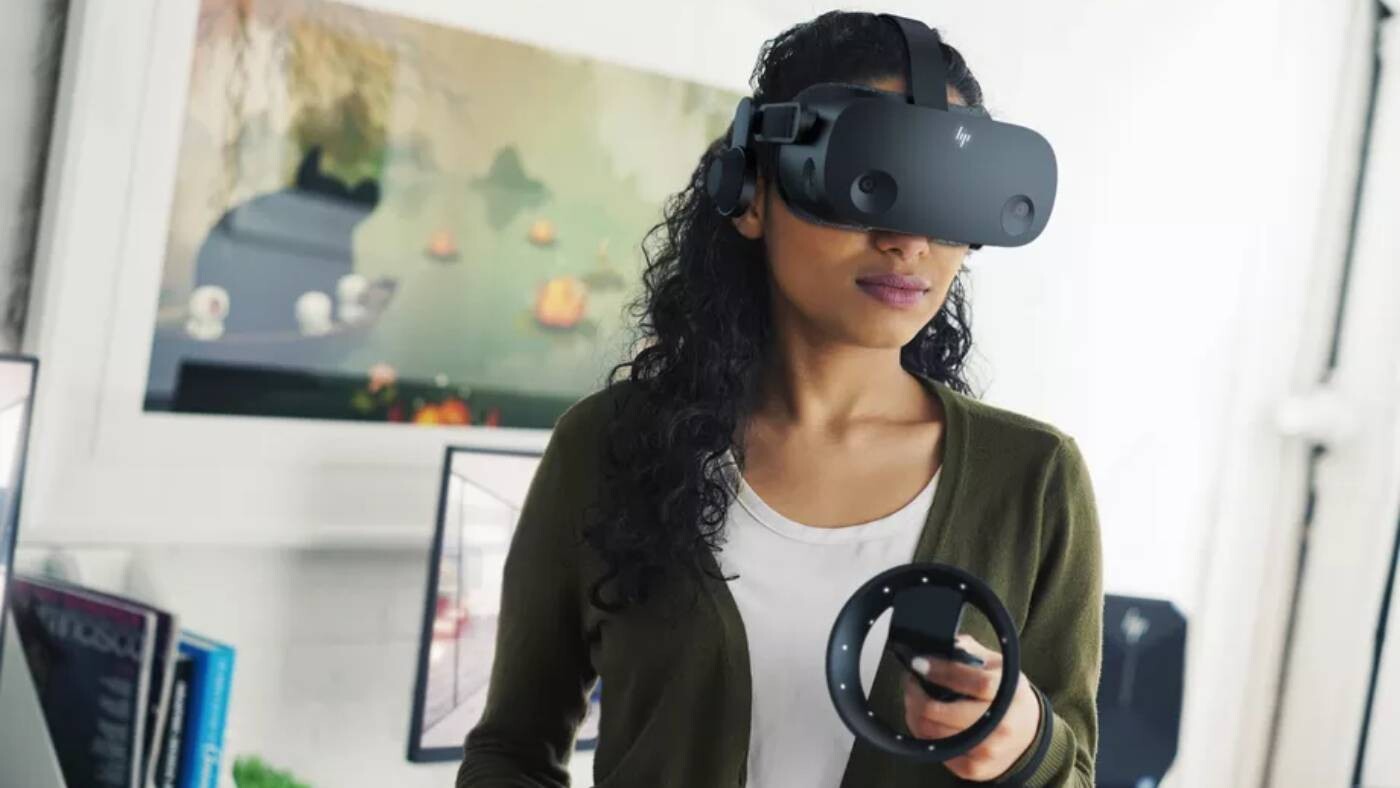
Forward-facing VR refers to experiences where:
-
The main action happens within the viewer’s forward field of vision
-
Camera placement aligns with natural human posture
-
Movement and interaction remain centered
This design is commonly used in:
-
Eye-level immersive content
1. Matches Natural Human Viewing Behavior
Humans naturally focus forward. While we can turn our heads, most real-world interaction occurs within our forward field of view.
Forward-facing VR:
-
Reduces the need for constant head turning
-
Feels intuitive from the first moment
-
Aligns with everyday perception
This familiarity makes the experience feel instantly comfortable.
2. Reduces Physical Strain
In fully surround experiences, viewers may:
-
Twist their neck frequently
-
Constantly scan their environment
-
Experience fatigue during long sessions
Forward-facing VR minimizes strain by:
-
Keeping attention centered
-
Encouraging relaxed posture
-
Supporting longer viewing sessions
3. Improves Focus and Cognitive Comfort
Too much visual freedom can overwhelm users.
Forward-facing design:
-
Guides viewer attention naturally
-
Prevents distraction
-
Reduces mental fatigue
By limiting unnecessary movement, viewers stay engaged with the main experience.
4. Enhances Immersion in POV Experiences
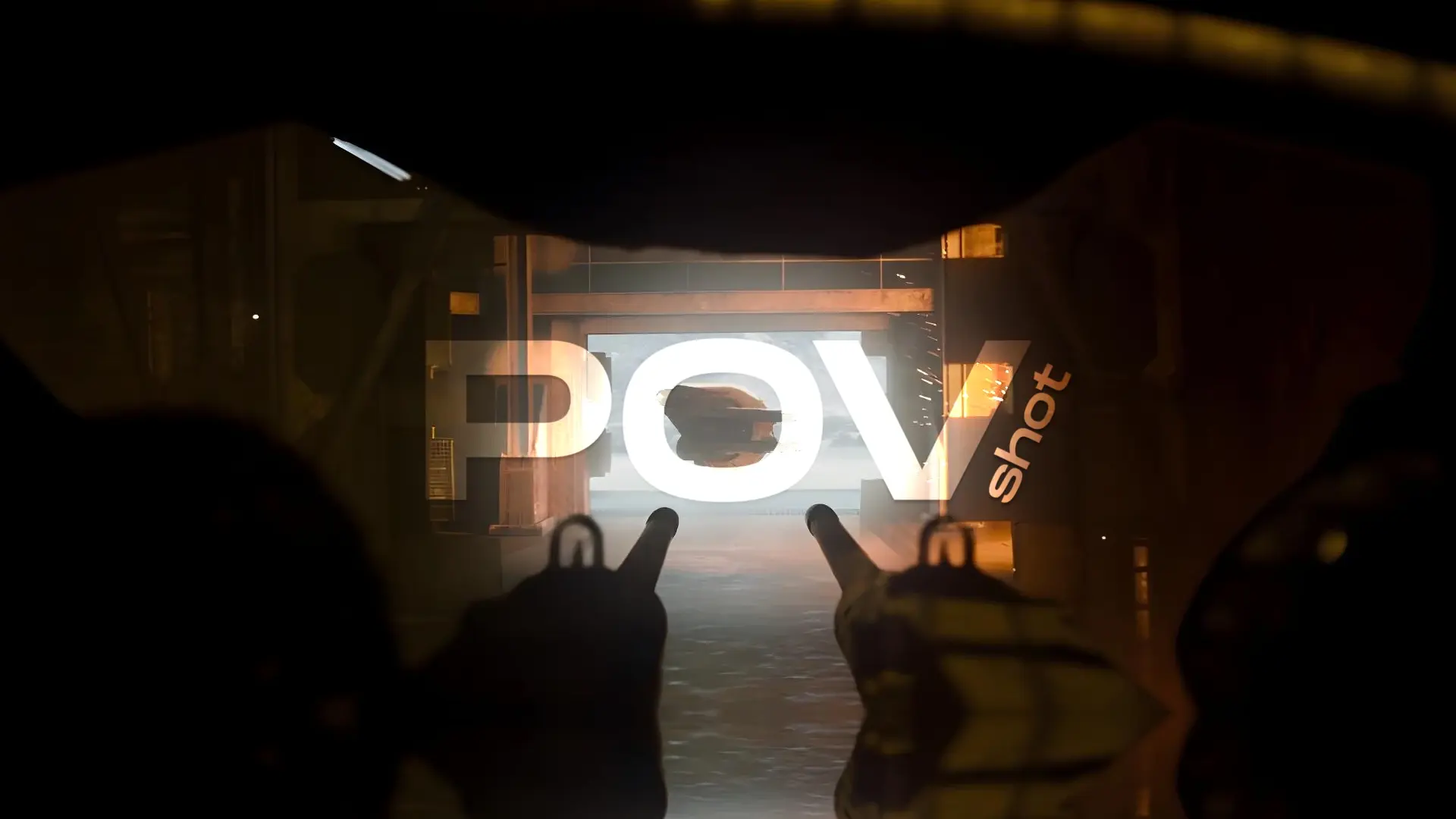
Forward-facing VR works especially well with:
-
Eye-level POV perspectives
-
Stable camera movement
-
Realistic camera height
Together, these elements create:
-
Strong presence
-
Natural interaction
-
A personal viewing experience
5. Reduces Motion Sickness Risk
Unexpected movement in peripheral vision is a common cause of discomfort.
Forward-facing VR helps by:
-
Limiting sudden directional changes
-
Maintaining consistent visual orientation
-
Providing predictable motion
This results in smoother and more comfortable viewing.
6. Works Seamlessly With 180° VR Formats
Many of the most comfortable VR experiences combine:
-
Forward-facing design
-
180° viewing angles
-
Stable camera positioning
This balance creates immersion without overwhelming the viewer.
7. Common Forward-Facing Design Mistakes
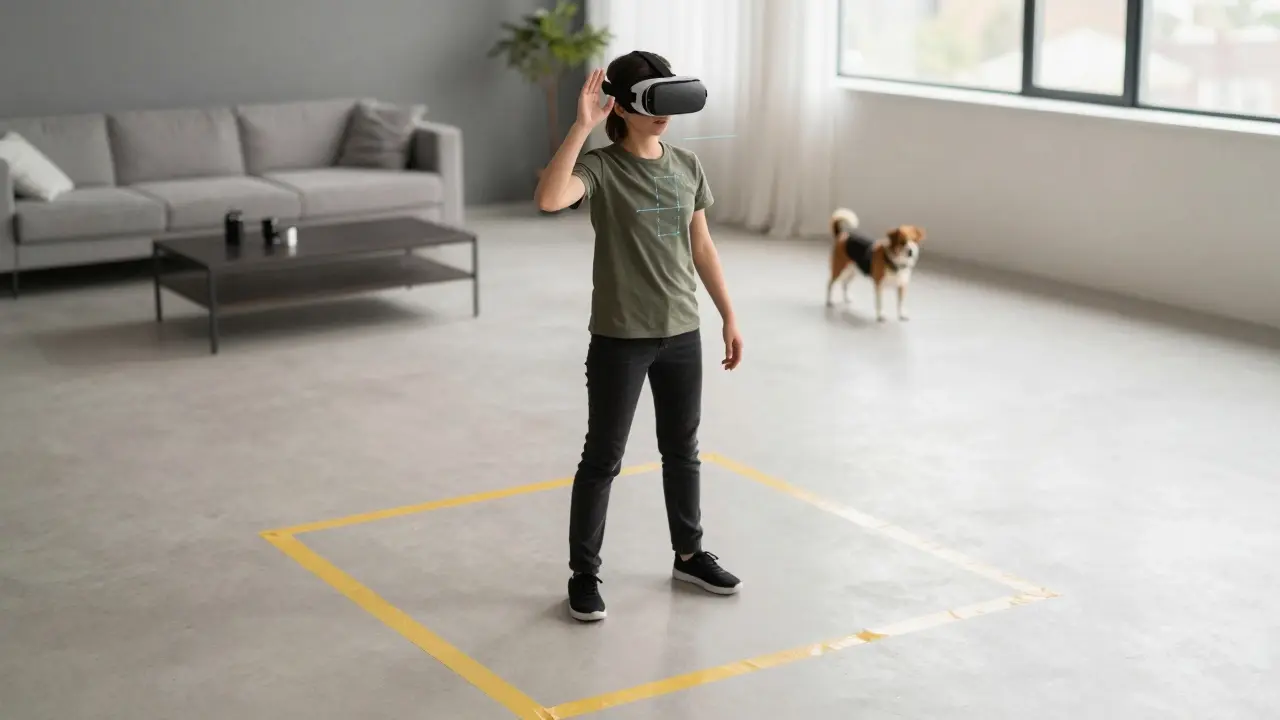
-
Action happening behind the viewer
-
Sudden camera rotations
-
Inconsistent focal direction
-
Poor camera height alignment
Avoiding these mistakes significantly improves realism.
Final Thoughts
Forward-facing VR feels more natural because it aligns with human behavior, physical comfort, and cognitive expectations. By keeping experiences centered and predictable, creators can:
-
Increase immersion
-
Reduce fatigue
-
Improve overall realism
In many cases, less visual chaos leads to deeper immersion.