Common VR Video Mistakes That Break Immersion
Immersion is what separates great VR videos from uncomfortable ones. This article explores the most common VR video mistakes that break immersion, from camera placement and depth issues to frame rate and viewer comfort problems.
In this article
Immersion is the core of any successful VR video. When done right, virtual reality creates a strong sense of presence that makes viewers feel inside the experience. However, even small technical or creative mistakes can quickly break immersion and pull viewers out of the virtual world.
Understanding these common VR video mistakes helps identify why some experiences feel natural while others feel uncomfortable or artificial.
Incorrect Camera Placement
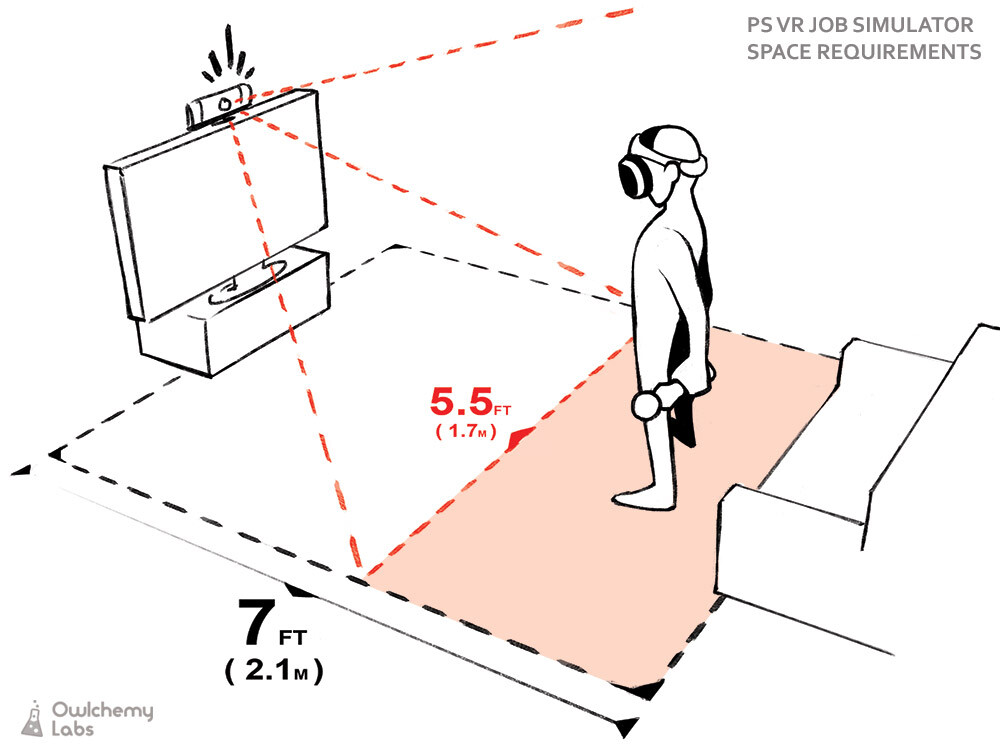
Camera placement directly affects how viewers perceive the virtual environment. In VR, the camera represents the viewer’s eyes, so unnatural positioning immediately feels wrong.
Common camera placement mistakes include:
-
Camera placed too high or too low compared to natural eye level
-
Camera positioned too close to objects or characters
-
Sudden perspective shifts without visual context
These issues disrupt spatial awareness and reduce immersion.
Poor Depth Calibration
Depth perception allows viewers to judge distance and scale in VR. When depth is poorly calibrated, scenes lose realism and comfort.
Typical depth-related issues:
-
Objects appearing unnaturally large or small
-
Flat-looking scenes with weak depth separation
-
Distorted backgrounds or warped edges
Accurate depth cues are essential for a believable VR experience.
Low or Inconsistent Frame Rate
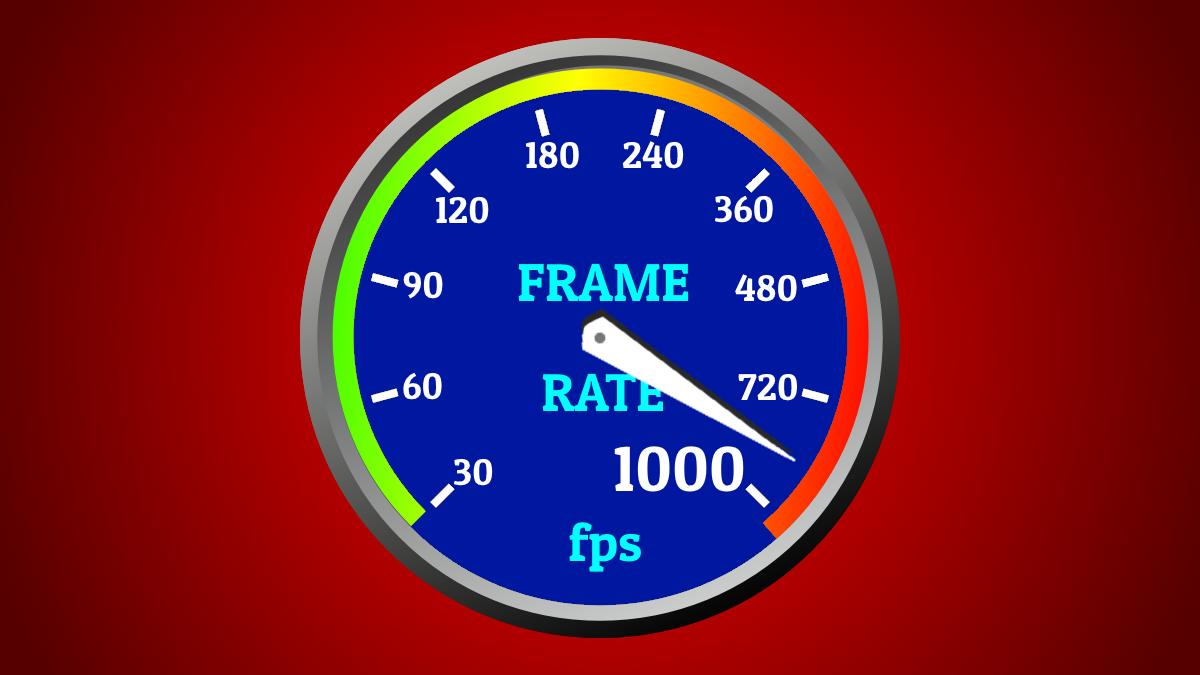
Frame rate is a major factor in VR comfort. Unlike traditional video, VR requires smooth motion to match natural head movement.Frame rate mistakes often include:
-
Choppy or stuttering motion
-
Sudden frame drops during movement
-
Inconsistent motion between scene elements
Stable frame rates help maintain immersion and reduce discomfort.
Excessive Camera Movement
In VR, the viewer controls movement by turning their head. Forced camera motion often causes disorientation.
Common problems:
-
Fast or unnecessary camera movement
-
Sudden directional changes
-
Motion not initiated by the viewer
Minimal, intentional camera movement leads to a more comfortable experience.
Ignoring Spatial Audio Quality
Audio plays a critical role in immersion, yet it is frequently underestimated. Poor audio design can make even high-quality visuals feel empty.
Audio-related mistakes include:
-
Sound that does not match visual position
-
Lack of directional audio cues
-
Inconsistent volume or echo
Proper spatial audio helps anchor the viewer in the virtual environment.
Prioritizing Resolution Over Experience
While high resolution improves clarity, it does not guarantee immersion. Many VR videos focus on sharp visuals while neglecting other essential factors.
Common issues:
-
High resolution paired with weak depth perception
-
Clear visuals but low frame rate
-
Sharp images with unrealistic scale
Balanced optimization produces better immersion than resolution alone.
Poor Scene Composition
VR allows viewers to look anywhere, making scene composition more complex than traditional video.
Composition mistakes include:
-
Important elements placed outside natural viewing angles
-
Too many visual focal points at once
-
Lack of visual hierarchy
Effective composition subtly guides attention without forcing it.
Neglecting Viewer Comfort
Comfort is essential for longer VR sessions. Ignoring comfort considerations often results in shorter viewing times.
Comfort-related mistakes:
-
Abrupt scene transitions
-
Extreme close-up perspectives
-
Overly cluttered visuals
Comfort-focused design supports deeper immersion.
Final Thoughts
Immersion in VR videos depends on careful attention to technical quality and human perception. Mistakes related to camera placement, depth, frame rate, audio, and comfort can quickly break the illusion of presence.
By avoiding these common VR video mistakes, creators can deliver smoother, more realistic, and more engaging virtual reality experiences.