VR Locomotion Comfort: Teleport vs Smooth Movement Guide
Learn how VR locomotion styles affect POV comfort. Compare teleport vs smooth movement and reduce motion sickness with expert tips.
In this article
- 01Introduction
- 02Why Locomotion Affects POV Comfort
- 03Teleport Locomotion: Stability First
- 04Smooth Locomotion: Realism and Flow
- 05Hybrid Locomotion Systems
- 06POV Stability Techniques for Locomotion Comfort
- 07Tips for Players: Choosing the Right Locomotion Style
- 08Future Trends in VR Movement Comfort
- 09Conclusion
Introduction
Locomotion is one of the biggest comfort factors in virtual reality. How you move inside a virtual world directly affects motion sickness, spatial awareness, and long-session usability. Some players prefer teleportation for stability, while others enjoy smooth locomotion for realism.
Understanding how each locomotion style affects your point of view (POV) helps you choose the right movement system — or design better VR experiences if you’re a developer.
Why Locomotion Affects POV Comfort
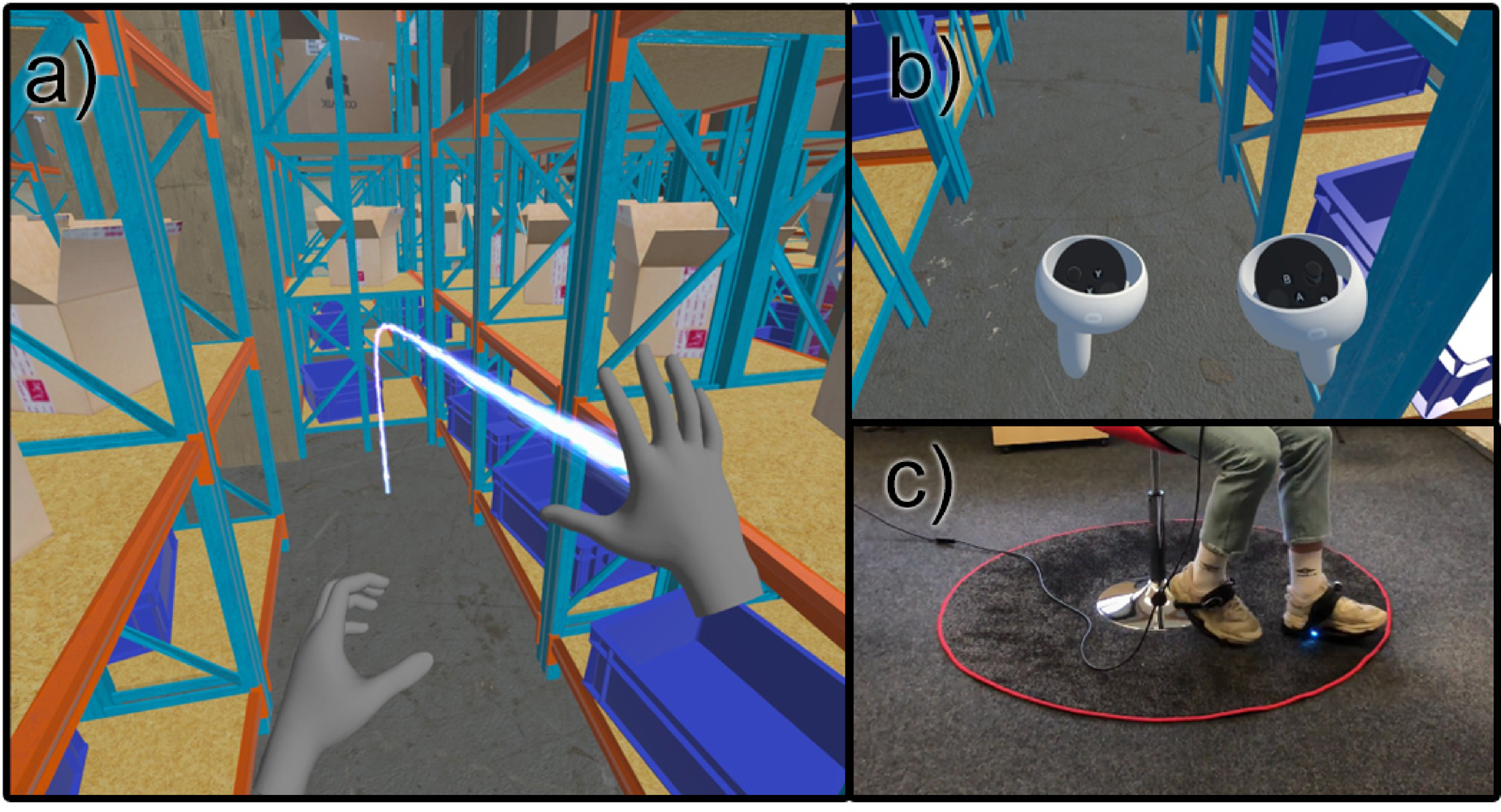
Your brain expects physical movement when your eyes detect motion. In VR, smooth artificial movement can create sensory mismatch, leading to discomfort.
Main causes of locomotion discomfort:
-
Continuous forward motion without body movement
-
Rapid acceleration or sudden direction changes
-
Camera rotation without head movement
-
Peripheral motion overload
-
Low frame rate during movement
The closer virtual movement matches real physical motion, the more comfortable the experience.
Teleport Locomotion: Stability First
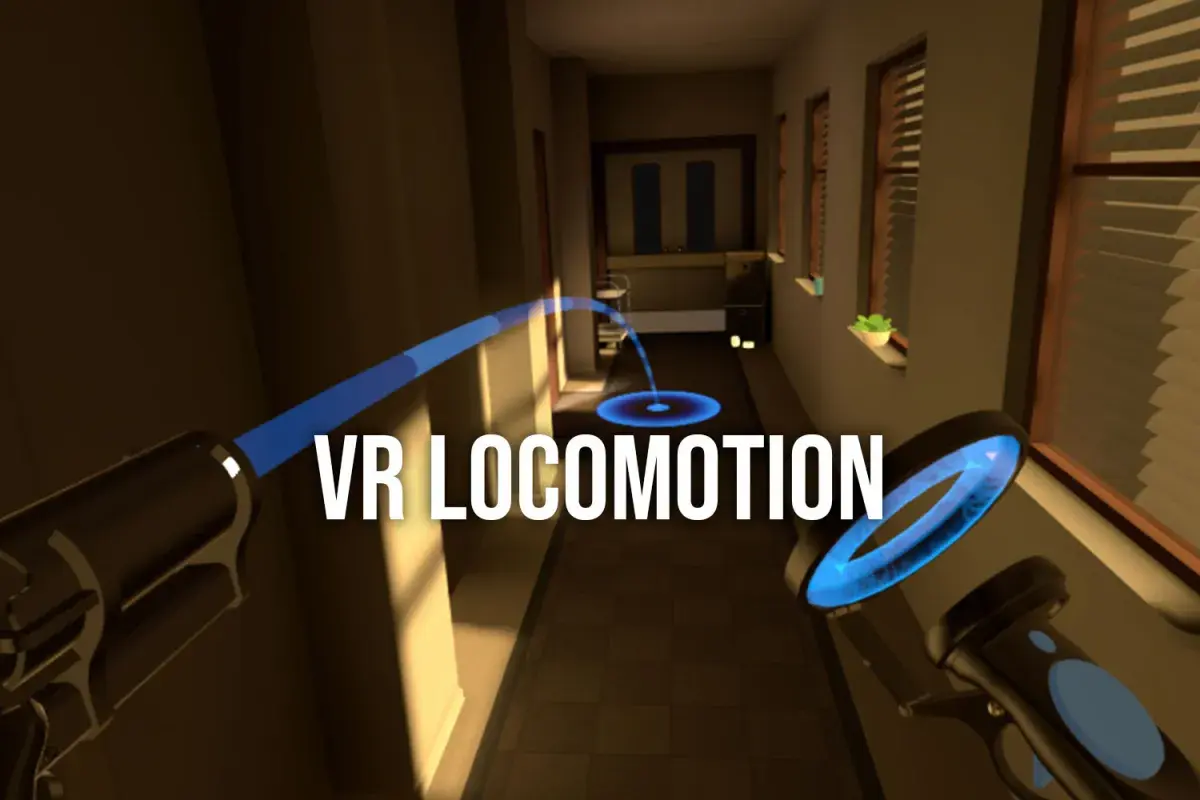
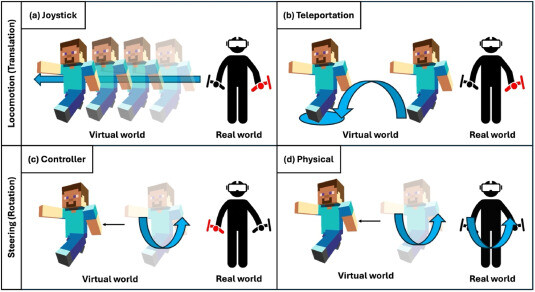
Teleportation moves users instantly between locations without continuous visual motion.
Advantages
-
Lowest motion sickness risk
-
Ideal for beginners
-
Good for sensitive users
-
Reduces vestibular conflict
Limitations
-
Breaks immersion slightly
-
Interrupts spatial continuity
-
Less natural for exploration-based games
Teleport locomotion is widely used in comfort-first VR applications and training simulations.
Smooth Locomotion: Realism and Flow
Smooth locomotion uses joystick or gesture-based movement to simulate walking.
Advantages
-
High immersion
-
Continuous exploration
-
Natural for experienced players
-
Supports fast-paced gameplay
Challenges
-
Increased motion sickness risk
-
Requires strong frame rate stability
-
Demands good POV stability design
Many users gradually adapt to smooth locomotion over time.
Hybrid Locomotion Systems
Modern VR games often combine multiple movement styles.
Common hybrid features:
-
Teleport for long distances
-
Smooth movement for short exploration
-
Snap turning instead of smooth rotation
-
Comfort vignettes during movement
-
Adjustable speed controls
Hybrid systems let players customize comfort levels.
POV Stability Techniques for Locomotion Comfort
Developers and advanced users can improve comfort using:
-
Snap turning instead of continuous turning
-
Reduced acceleration curves
-
Peripheral dimming during movement
-
Camera smoothing filters
-
Stable horizon alignment
These methods reduce visual–vestibular mismatch.
Tips for Players: Choosing the Right Locomotion Style
-
Start with teleport if new to VR
-
Increase smooth movement speed gradually
-
Avoid fast strafing early on
-
Use seated mode for longer sessions
-
Adjust vignette strength if available
Comfort tolerance improves with consistent exposure.
Future Trends in VR Movement Comfort
Emerging locomotion innovations include:
-
AI-driven adaptive comfort systems
-
Physical walking boundary expansion
-
Directional treadmills
-
Mixed reality locomotion anchors
-
Biofeedback-based motion adjustment
These advances aim to make movement feel natural without sacrificing immersion.
Conclusion
Both teleport and smooth locomotion offer unique benefits for VR POV comfort. Teleportation prioritizes stability, while smooth movement enhances realism. By understanding how locomotion affects perception and ergonomics, users can tailor their VR experience for longer, more enjoyable sessions.