How to Reduce Motion Sickness When Watching VR POV Videos
Explore expert VR comfort and POV viewing guides. Learn how to reduce motion sickness, optimize camera perspective, and enjoy immersive VR content comfortably.
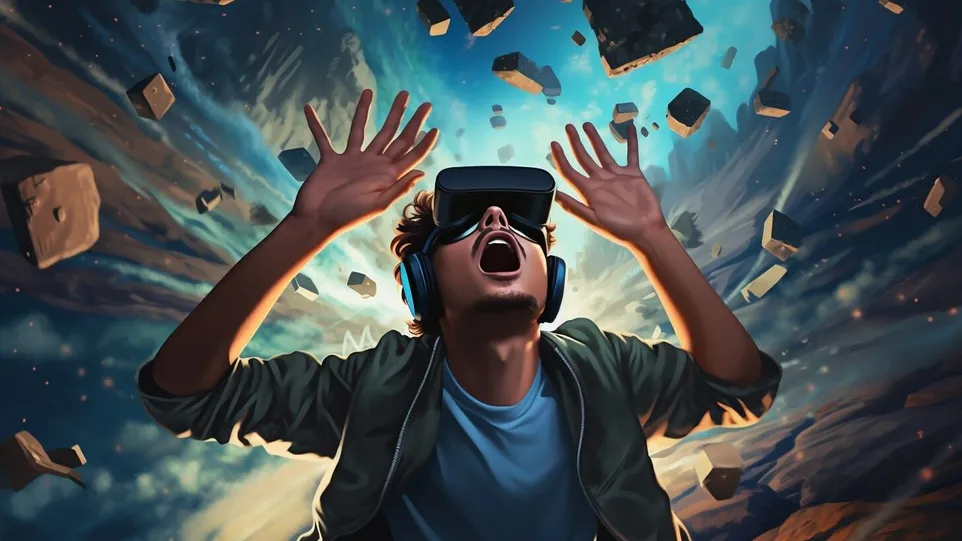
POV (point-of-view) VR videos simulate real human vision, which creates strong immersion. However, when your eyes perceive movement while your body remains still, your brain receives conflicting signals.
This sensory mismatch is one of the main causes of VR discomfort.
Common triggers include:
-
Shaky camera motion
-
Sudden perspective shifts
-
Extreme field of view
-
Low frame rates
-
Fast directional movement
Signs You’re Experiencing VR Motion Sickness

Not all discomfort is obvious at first. Watch for these symptoms:
-
Mild dizziness
-
Eye strain
-
Head pressure
-
Nausea
-
Feeling off-balance after removing the headset
If you notice these signs, take a break immediately.
10 Effective Ways to Reduce VR Motion Sickness
1. Start With Stable POV Videos
Choose content with minimal camera shake and smooth movement.
2. Watch at a Slower Playback Speed
Reducing speed to 0.75x can make movement easier to process.
3. Sit Down While Watching
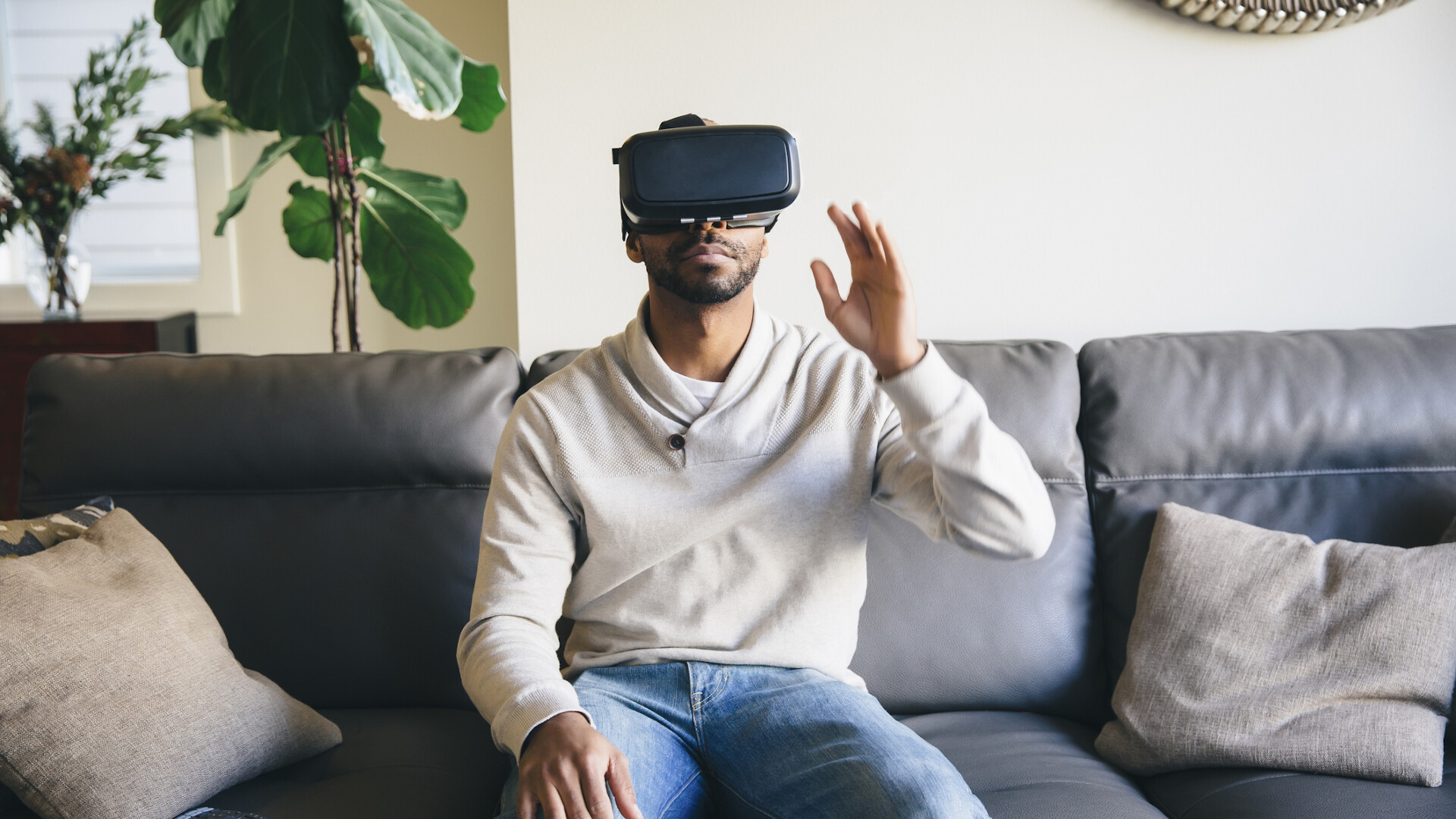
A seated position helps your brain maintain spatial balance.
4. Take Regular Breaks
Pause every 15–20 minutes to prevent fatigue.
5. Adjust Your IPD Correctly
Incorrect lens spacing can cause eye strain and discomfort.
6. Keep Soft Ambient Lighting
Avoid watching VR in total darkness.
7. Focus on the Center of the Frame
Avoid constantly turning your head.
8. Use a Small Fan Nearby
Airflow can help your brain interpret motion more naturally.
9. Choose High Frame Rate Videos
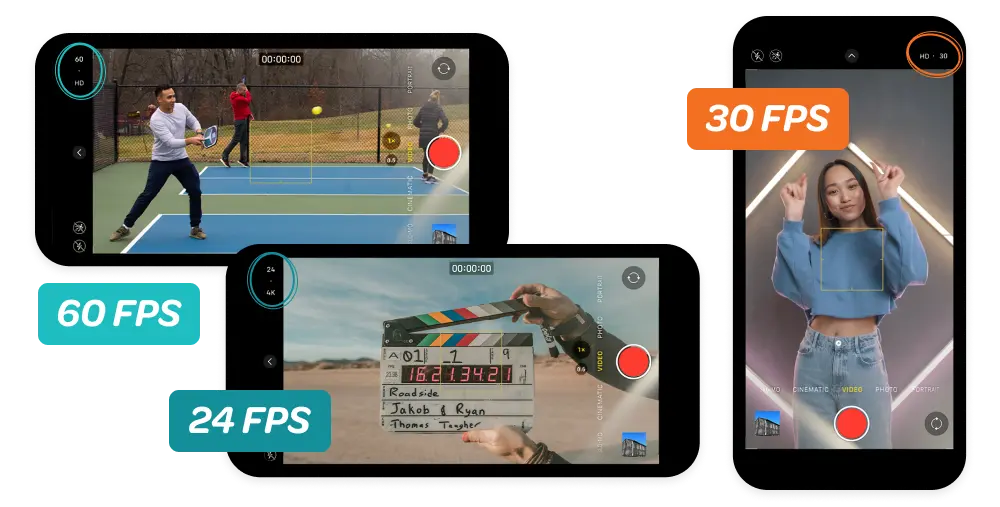
Smooth visuals reduce visual conflict.
10. Warm Up With Static Content First
Avoid jumping straight into fast-moving POV experiences.
Device Settings That Improve VR Comfort
Optimizing your hardware setup can significantly reduce discomfort:
-
Refresh rate of 90Hz or higher
-
Proper headset fit
-
Clean lenses
-
Balanced head strap tension
Common Mistakes That Make VR Uncomfortable
-
Auto-rotating camera angles
-
Sudden zoom effects
-
Extreme camera height changes
-
Lack of visual anchor points
Quick VR Comfort Checklist
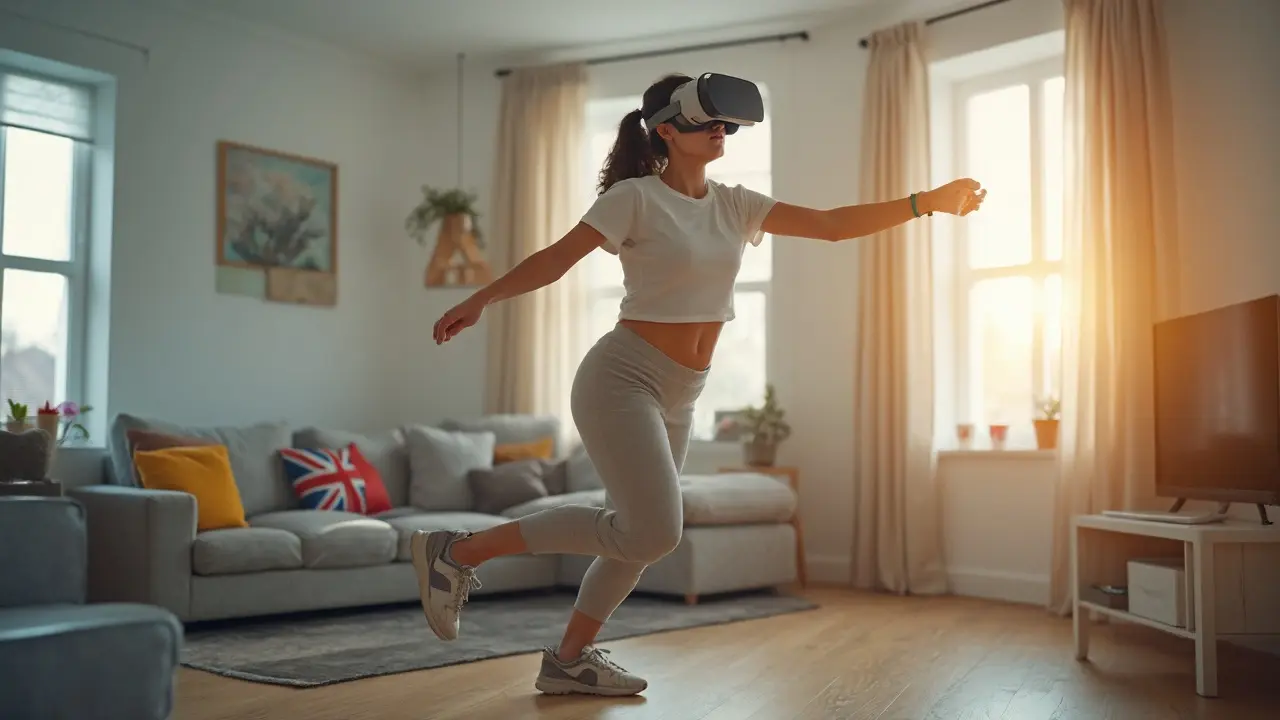
-
Stable video footage
-
High FPS content
-
Correct headset alignment
-
Regular viewing breaks
-
Comfortable viewing posture
Suggested Internal Links